
31 lines
2.1 KiB
Markdown
31 lines
2.1 KiB
Markdown
+++
|
|
title = "Install IPFS Desktop"
|
|
description = "How to install IPFS Desktop"
|
|
date = ""
|
|
author = ""
|
|
sec = 1
|
|
+++
|
|
|
|
> A desktop client for [IPFS](https://ipfs.io).
|
|
>
|
|
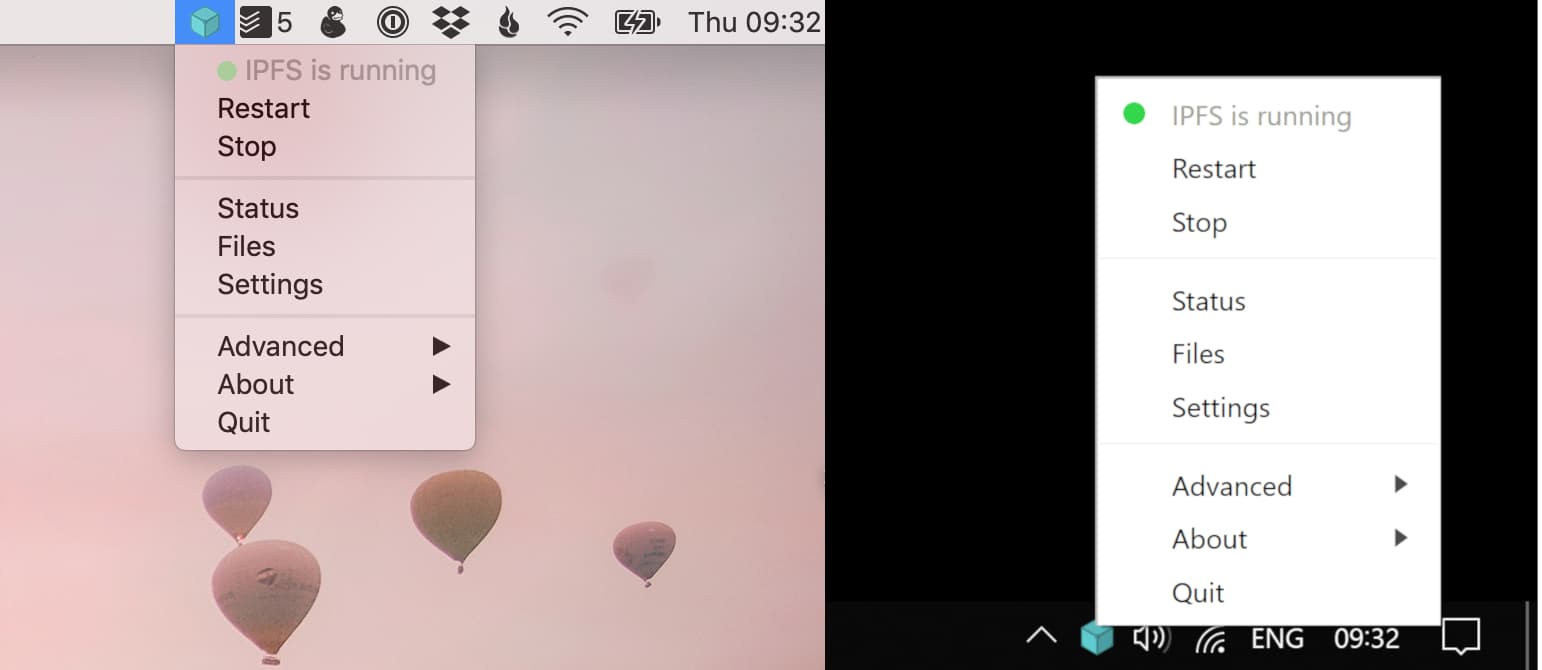
> You don't need the command line to run an IPFS node. Just install IPFS Desktop and have all the power of IPFS in your hands. Powered by [Web UI](https://github.com/ipfs-shipyard/ipfs-webui).
|
|
|
|
**Download the latest release**
|
|
|
|
- Mac - [IPFS-Desktop-0.10.3.dmg](https://github.com/ipfs-shipyard/ipfs-desktop/releases/download/v0.10.3/IPFS-Desktop-0.10.3.dmg) or `brew cask install ipfs`
|
|
- Windows - [IPFS-Desktop-Setup-0.10.3.exe](https://github.com/ipfs-shipyard/ipfs-desktop/releases/download/v0.10.3/IPFS-Desktop-Setup-0.10.3.exe) or `choco install ipfs-desktop`
|
|
- Linux - see the [install](#install) section for available options
|
|
|
|
|
|
|
|
[](https://protocol.ai/)
|
|
[](http://ipfs.io/)
|
|
[](http://webchat.freenode.net/?channels=%23ipfs)
|
|
[](https://david-dm.org/ipfs-shipyard/ipfs-desktop)
|
|
[](https://github.com/ipfs-shipyard/ipfs-desktop/releases)
|
|
[](https://github.com/ipfs-shipyard/ipfs-desktop/releases/tag/v0.10.3)
|
|
|
|
IPFS Desktop allows you to run your IPFS Node on your machine without having to bother with command line tools. With it, you have the power of [Web UI](https://github.com/ipfs-shipyard/ipfs-webui) on tip of your hands plus a handful of shortcuts you can find on settings.
|
|
|
|
Download the latest version of [IPFS-Desktop from GitHub](https://github.com/ipfs-shipyard/ipfs-desktop/releases/latest)
|